
What virtual reality applications should have
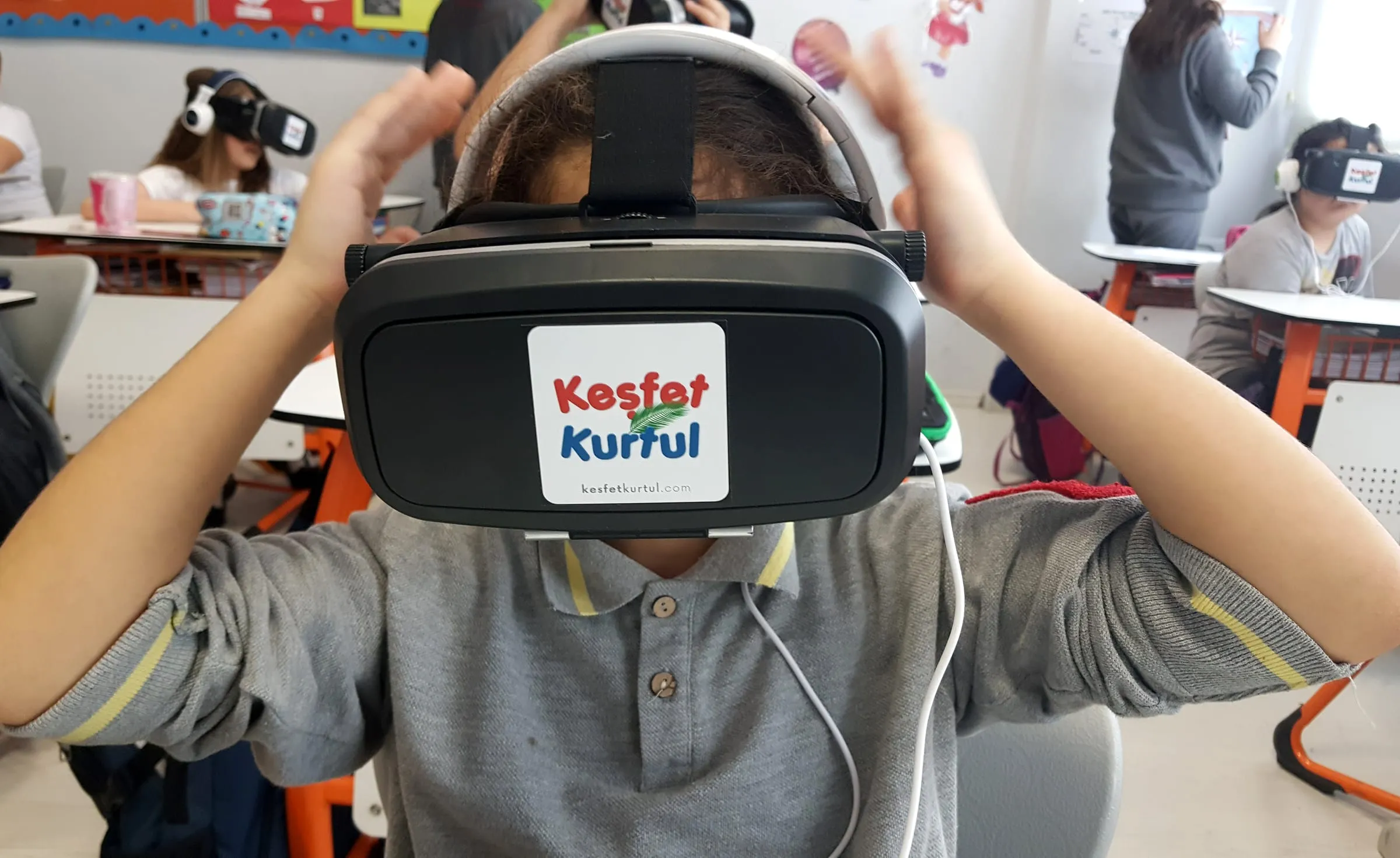
If you have ever seen a student’s face the first time they put on a virtual reality headset, you know why this technology is so exciting. But once that first “wow!” moment passes, what remains is the application itself. As someone who has been developing educational virtual reality applications for years and running training sessions on them for teachers, I wanted to bring together in this post the features I think a good VR application must have.
In virtual reality, if the user does not feel well, all the effort that went into the rest of the application is wasted. Dizziness, nausea and eye strain are quite common, especially among users with no prior VR experience. The main cause of these symptoms is the mismatch between the motion the eyes see and the motion the inner ear senses.
So avoid moving the user against their will. Do not shake the camera, do not rotate it, do not subject the user to sudden acceleration. If movement is needed, choose teleport-based movement or slow, constant-speed movement controlled by the user. Smooth visuals are also part of comfort. An application that stutters and drops frames quickly causes discomfort. Always test performance on the target device and simplify the scene if necessary.
VR applications, especially for children, should not be designed as long sessions. Segments of 10 to 15 minutes are much better for both comfort and attention. Divide your application into sections so that users can stop wherever they want and pick up later where they left off. At the end of each section, give the user a natural break point where they can take off the headset and rest.
Also keep in mind the age limits manufacturers set for their headsets. If your application’s target audience is below that limit, you need to state this clearly to teachers and parents.
In VR, an unlimited world lies in front of the user, and that can be quite confusing for someone who does not know where to look or what to do. A good VR application guides the user without them noticing. Light, sound and motion are very powerful tools for drawing the user’s attention. Making an important object glow slightly, or steering the user’s gaze with the direction a sound comes from, offers a much more natural experience than putting big arrows on the screen.
A short practice section at the beginning of the application is also very helpful. That is why in Keşfet Kurtul we taught gaze-based interaction and the movement buttons in the first level. Once users have learned the controls, they can give their full attention to the content when they move on to it.
The most important feature that sets virtual reality apart from watching 360-degree video is interaction. When users can grab objects, examine them, combine them and see the results, the real power of VR comes through. But the interaction has to serve the learning objective. A student who moves around inside a cell and puts the organelles in place has a much deeper experience than a student who only watches the same cell.
When designing interactions, do not forget your target device. A headset with handheld controllers and a phone-based viewer where interaction is only possible through gaze direction call for very different design decisions. In both cases, interactions need to be easy to learn and consistent.
Reading long text in VR is tiring. So convey information through visuals and audio as much as possible. If you need to use text, keep it short, make it large and legible enough, and place it at a distance where the user can read it comfortably. Placing text on a fixed surface in the scene, rather than locking it to the user’s gaze, is usually more comfortable.
Sound, meanwhile, is the most underestimated component of VR. Spatial audio strengthens the feeling of being inside the environment and is a great tool for directing attention. If you use narration, choose a cleanly recorded, clear voice that suits the target age group.
Usability in the classroom
Most educational VR applications are developed to be used in classrooms, yet the real conditions of a classroom are often not considered during design. In a class of thirty students, the teacher cannot see what is happening inside every headset. That is why it is so valuable for the application to give the teacher some control. A teacher screen showing which section each student is in, or an option to cast the headset view to the board, makes classroom management much easier.
It is also important for classroom use that the application opens quickly, works without an internet connection and can be reset easily when passing from one student to the next. Do not forget to cover practical matters in the teacher’s guide too, such as headset hygiene and making sure students stand in a safe area while wearing the headset.
Not every student experiences VR in the same way. You need to think about alternatives for students who wear glasses, cannot stand, can use only one hand or have hearing difficulties. A seated mode, a subtitle option, one-handed controls and colors chosen with color blindness in mind bring your application to many more students. Offering a way for students who cannot use VR to follow the same content on a screen is also good practice.
A user wearing a headset cannot see the real world, and in crowded places like a classroom this can invite small accidents. If your application asks users to stand up, turn around or stretch out their arms, state clearly how much space is needed. If possible, design the experience so it can also be completed seated. If the headset has a boundary system, make sure your application works well with it.
If you collect data from users, especially when your users are children, state clearly which data is collected and why, and do not collect more than you need. For an educational application, the student’s name and progress are usually enough. Think carefully about whether you really need sensitive data such as eye tracking or voice recordings.
One last thing I want to point out: the VR experience on its own is not enough. For learning to last, it is very important for students to talk about what they experienced after taking off the headset, discuss it and connect it with other knowledge. When designing your application, think about activities that can be done in class after the experience and suggest them to the teacher. A well-designed virtual reality application is a tool that enriches the learning that happens in the classroom, not one that replaces the classroom.
See you soon.