
Children and virtual reality: age, time and safety
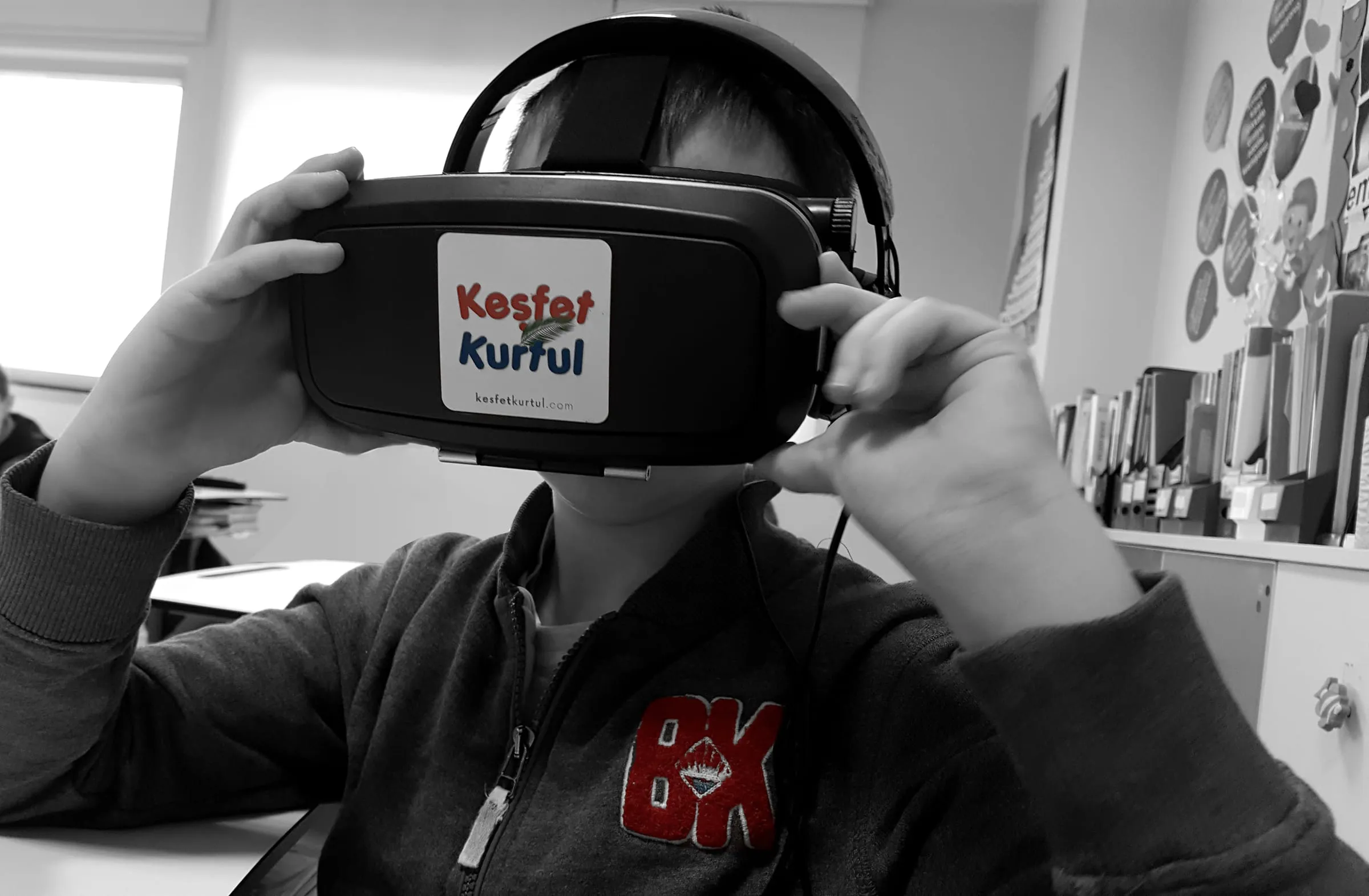
After VR workshops, the questions I hear most from teachers and parents are always similar: “How old does a child need to be to wear a headset?”, “How long is too long?”, “Can it harm their eyes?” These are sensible questions. Virtual reality can offer children rich learning experiences, but you should not assume that a device an adult uses comfortably is just as suitable for a child. In this post I have gathered the points I suggest you keep in mind about age, time and safety.
Let’s start with age. Every company that makes VR headsets sets a minimum age for its devices. That limit varies from brand to brand, sometimes even between models from the same brand, and it can change over time. Some manufacturers also require a parent-managed account and supervision for children below a certain age. So rather than giving you a single number, here is my advice: read the current health and safety guide for the device you plan to use, and follow the age limit stated there. If you are buying headsets for your school, check before you buy whether that limit fits the students you have in mind.
It also helps to know why these limits exist. Children’s visual systems are still developing. The distance between their eyes is shorter than an adult’s, and many headsets are designed to be adjusted to adult measurements. The weight of the headset and the way it sits on the head are also designed with adults in mind. On top of that, young children find it harder than adults to separate the virtual from the real and to put discomfort into words. An adult who feels dizzy takes the headset off. A young child may carry on, either to avoid spoiling the fun or because they cannot name what they are feeling.
For children below the manufacturer’s age limit, I suggest looking at alternatives to VR. Augmented reality apps on a tablet or 360-degree videos watched on a screen offer a similar sense of exploration without the limitations a headset brings. With young children, overall screen time also needs to be considered. Organisations such as the World Health Organization recommend keeping screen time limited for young children. VR is a screen experience too, and it should be seen as part of that bigger picture.
How long?
It would not be right to give a precise number for session length either, because the child’s age, the type of experience and individual sensitivity all matter a great deal. The general principle is clear, though: VR sessions for children should be short, with breaks in between. Manufacturers’ guides also recommend taking regular breaks. For the classroom, I suggest planning the experience in short segments of a few minutes and having the child take the headset off and come back to the real world after each one. Those breaks are valuable for learning as well as comfort. When children take the headset off, they describe what they saw, ask questions, and the experience starts to mean something.
Content matters as much as time. Apps that move fast, move the camera without the user’s control, or are packed with visual stimulation can cause discomfort even in a short session. For children, choose calm, slow-paced content that can be used seated. Scary elements, sudden noises and startling scenes also feel much stronger in VR than on a screen. A scene that looks harmless on a monitor can be overwhelming for a child inside a headset. Age rating systems such as PEGI are a good starting point for games, but they do not replace trying the app yourself before handing it to children.
Recognising signs of discomfort is very important. Dizziness, nausea, sweating, eye strain, headache and loss of balance are the most common. Children will not always say so out loud. Turning pale, constantly adjusting the headset, going quiet or getting restless can all be signals. If you notice any of these, stop the experience straight away. After taking the headset off, the child should sit and rest for a while rather than running off to play. Manufacturers’ guides also include warnings about photosensitive epilepsy and similar conditions. If you do not know a student’s health background, talking to the parents is good practice.
Safety at school and at home
A child wearing a headset cannot see their surroundings. That simple fact drives most safety measures. Prepare the space before the headsets come out. Move desks, chairs, bags and cables out of the way, and make sure the child will not hit anything or anyone when they stretch out an arm. Choose seated experiences wherever possible, and avoid swivel chairs. If the headset has a boundary system, set it up properly, but do not rely on it alone.
My advice on supervision is this: every child in a headset should have someone watching them. In class, that can be the teacher or a classmate who is waiting for their turn. This “spotter” keeps the student in the headset inside the safe area and tells the teacher if they notice signs of discomfort. Giving waiting students this role also keeps them involved. At home, an adult should be in the same room while the child uses the headset and should know what the child is experiencing.
Hygiene is often overlooked, especially in schools where many students share one headset. After each user, wipe the surfaces that touch the face with a suitable cleaning wipe. Clean the lenses only with a dry microfibre cloth. Alcohol or harsh cleaners can damage lenses, so follow the manufacturer’s recommended method. Washable or disposable face covers are a good investment for a classroom. A student showing signs of an eye infection should not use a shared headset. When storing headsets, keep the lenses out of direct sunlight. Lenses can focus sunlight onto the display and damage it permanently.
A note about students who wear glasses. Many VR headsets can be used with prescription glasses, and some come with spacers for that purpose. But frames that do not fit inside the headset are uncomfortable for the child and can scratch the lenses. Always have an on-screen way to follow the experience ready for these students.
Do not forget to communicate with parents. If you plan to use VR in class, sending parents a short information note eases concerns and lets you learn about any important health information in advance. Mention which device you will use, how long the experience will last, what precautions you are taking, and that the child can stop whenever they want. No child should be pushed into wearing a headset, and there should always be an equivalent activity for a child who does not want to.
These precautions may look like a long list at first, but after a few sessions they become a natural routine in your classroom. With the right age, short sessions, suitable content and careful supervision, virtual reality can be a safe and very enjoyable learning tool for children.
See you soon.