
What to consider when developing educational digital games
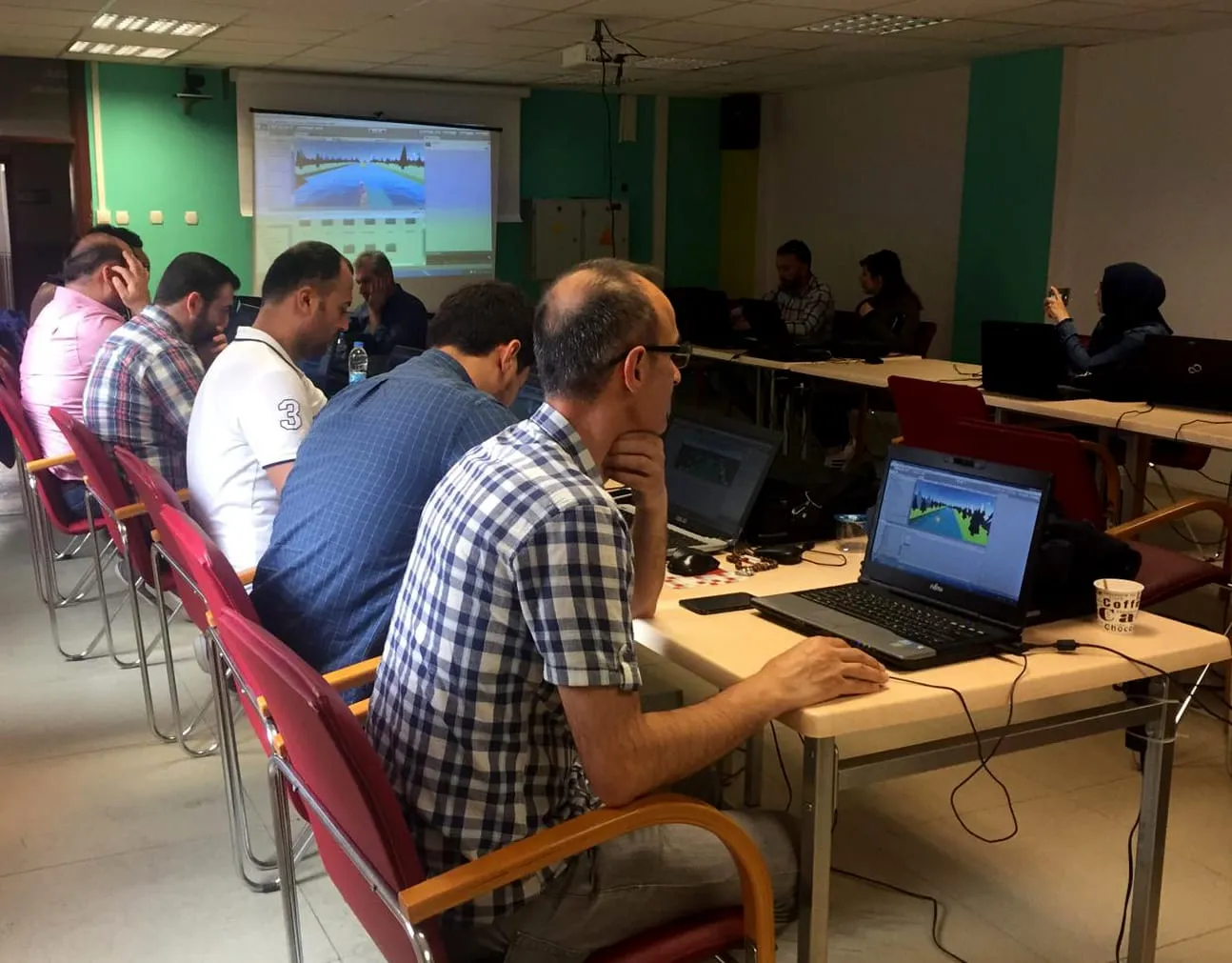
If you have decided to develop an educational digital game, you probably already have a lovely idea in mind. A game genre children love, colorful characters, maybe a few levels with questions placed between them. Yet this is exactly the most common mistake I see in the field: treating the game and the learning as two separate pieces. In this post I will try to walk through what you should pay attention to when developing an educational game, drawing on the problems we ran into while building our own games and while training teachers.
You should start developing an educational game from the learning objective, not from the game idea. If you do not have a clear answer to the question “What will students be able to do after playing this game?”, the educational value of the game will be questionable no matter how much fun it is.
When we were developing a virtual reality game for third graders together with ICT teachers in Tokat, we spent almost our entire first day on this question. Our goal was for students to be able to tell odd and even natural numbers apart. Once the goal was that clear, the game mechanics started to take shape almost on their own. Students progressed as they sorted numbers into the right groups, and when they made a mistake they could see why.
Use measurable verbs when you write your objective. A statement like “compares two given fractions” instead of “understands fractions” makes it easier both to design the game mechanics and to test whether the game actually works.
Learning should live inside the game
You will see the following structure in many educational games: the student runs, jumps and clears obstacles for a while, then a question pops up on the screen. If they answer correctly, they get to keep playing. This structure turns the game into a reward and the question into an obstacle. Before long, students start seeing the questions as a wall they need to get past as quickly as possible.
Instead, try to build the content to be learned into the core mechanic of the game. Imagine a character moving along a number line. If the student decides where the character jumps by adding and subtracting, then playing the game and doing math become the same thing. In a good educational game, students never think “here comes the lesson part.”
When developing a game, it is very easy to get carried away by visual and audio richness. Animated backgrounds, music playing nonstop, an indicator in every corner of the screen… But a student’s working memory is limited. Every unnecessary element on the screen steals a bit of attention from the information that needs to be learned.
Research on multimedia learning shows that removing extraneous elements, placing related text and visuals close to each other, and not presenting the same information as written text and narration at the same time all support learning. Keep these principles in mind when designing the game interface as well. Especially for young age groups, a “less but clear” approach always works better.
Points, stars and badges may look like indispensable parts of a game, but what really matters for learning is feedback. If a student who makes a wrong move only sees a “Wrong!” message, they do not learn anything. Feedback that hints at why the move was wrong and what the right one might be, on the other hand, turns the mistake into a learning opportunity.
Give feedback as immediately as possible and, if you can, show it inside the game world. A bridge collapsing because the student built it with the wrong measurements is far more memorable than a red cross appearing on the screen.
A game that is too easy gets boring, and a game that is too hard makes students give up. That is why being able to adjust the difficulty to the student’s performance is so important. Design the first levels as ones that teach the rules of the game, where it is almost impossible to make a mistake. Increase the difficulty gradually in later levels. If a student keeps getting stuck in the same place, think about a mechanism that offers them a hint.
You also need to keep the diversity of the classroom in mind here. In the same class there are students whose reading speed, motor skills and experience with digital games vary widely. Levels with time pressure may be exciting for some students, but for others they may be nothing more than a source of anxiety.
When choosing your development environment and target device, take the real conditions of schools into account. A game that runs smoothly on a brand-new computer may not even open on the old tablets at school. That is the reason we defined the minimum system requirements right at the start when developing Keşfet Kurtul. Whether a game can actually be used in the classroom is a more decisive criterion than how well it is designed on paper.
Questions such as whether it needs an internet connection, how many minutes it takes to set up and how the teacher will manage the game during the lesson are also part of the technical decisions. If the first 15 minutes of a class period go into getting the game running, the teacher will not use that game a second time.
Do not leave the teacher out of the process
Educational games are not there to replace teachers but to enrich the tools teachers already have. That is why you also need to design how the teacher will use the game. A short teacher’s guide explaining which learning outcome the game relates to, how long it takes, and what can be done in class before and after playing is often as valuable as the game itself.
If possible, offer the teacher a simple report showing students’ progress in the game. Knowing which student is struggling at which level contributes directly to how the teacher plans the lesson.
Do not consider your game finished before testing it with real students. In pilot sessions you will often see things like this: a button that seems perfectly obvious to you catches none of the students’ attention, and a level you expected to take five minutes takes twenty. Watch students as they play and note where they pause and where they get bored. After the game, always check with a short activity whether your learning objective has been reached.
Do not hesitate to repeat this cycle several times. Developing an educational game is not a one-shot job. Every pilot session is an opportunity to make the game both more fun and more instructive.
Developing educational games sits at the intersection of subject knowledge, instructional design, game design and software development. So, if you can, make sure your team includes someone from each of these areas. If you are working alone, try to bring each of these perspectives into play one at a time. Clarify the learning objective, build the learning into the game, keep the interface simple, give good feedback and test in the classroom. When you follow these steps, the game you end up with is much more likely to become a tool that both students and teachers enjoy using.
See you soon.