
The place of games in coding education
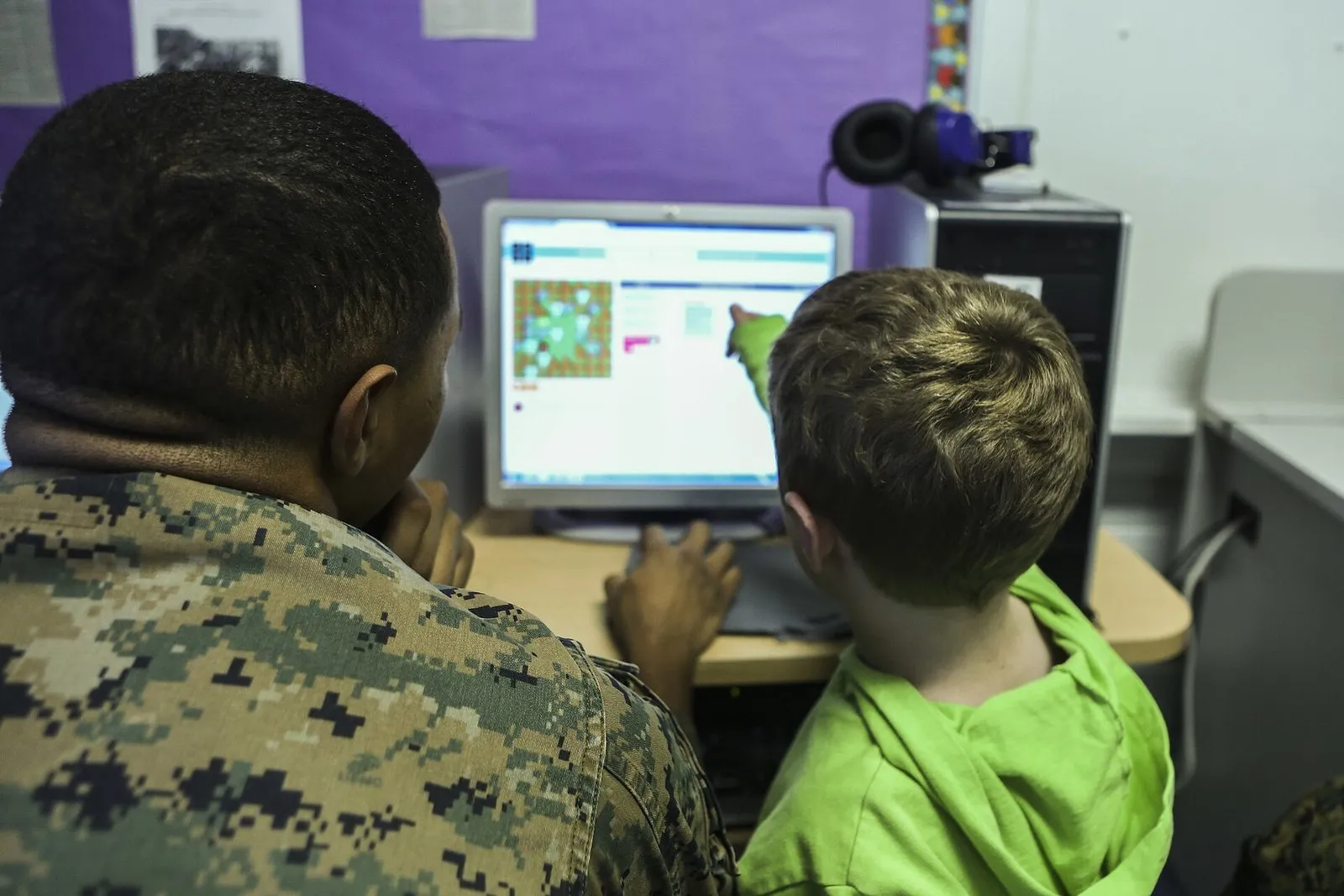
Coding education and games are closely connected. Most activities that introduce children to coding are either designed as a game or aim to produce one at the end. That connection is no accident. With their rules, goals and instant feedback, games closely resemble the logic of programming. Yet “coding game” can mean quite different things. In this post I want to talk about the forms games take in coding education and how students can move from playing games to making them.
The first group is puzzle games that teach the logic of coding. These are the games where you line up commands such as “move forward” and “turn right” to get a character to a goal, and meet loops and conditions in later levels. Their strength is that they introduce the basic concepts of programming with a very low barrier to entry. Students meet sequencing, repetition and decision making without worrying about typing errors. Because they see the result of their commands on screen straight away, they also notice their mistakes quickly.
The second group is games that need no computer, often called unplugged coding. Picture a grid drawn on the classroom floor, with one student playing a “robot” and the others giving it commands with cards. The robot follows the commands exactly as given. If the sequence is wrong, the robot walks into a wall and the whole class looks for where the mistake is. Activities like this are especially valuable for young children and for schools with limited access to computers. They also show very clearly that an algorithm is a way of thinking that exists independently of the computer.
The third group is projects in which the student is the one making the game, not playing it. Block-based programming environments have a very important place here. In tools such as Scratch, students snap code blocks together like puzzle pieces to move characters, keep score and detect collisions, and they produce a playable game in a short time. Because blocks only fit together in meaningful ways, typing errors largely disappear and the student’s attention turns to the logic of the program.
From playing to making
Puzzle games are a good door into coding, but staying there brings some limits. In these games the designer sets the problem, the solution space is kept narrow and usually a single right answer is expected. A student who finishes every level may not know what to do when they sit down in front of a blank page on their own. This is something I see often in the field. Students know how to build a loop, but they do not notice when their own project needs one.
So my suggestion is to plan a gradual move from playing to making. Once the basic concepts have been introduced through unplugged activities and puzzle games, give students the chance to modify a ready-made project. Changing a character’s speed in a simple catching game, adding a new obstacle or changing the scoring rule all require the student to read and understand the code. Modifying an existing project is far less intimidating than starting from scratch, and it encourages students to examine how the code works.
In the next step students can design their own small games. Keeping the scope small is very important here. The game students dream of is often the size of a production that would take years. Starting with a game made of one character, one goal and one obstacle, then adding one feature each lesson, lets students keep their sense of success and progress step by step. A short design on paper helps too. If students sketch what will be in their game before they start coding, they keep better track of what they are doing and why while they program.
One of the biggest contributions of making games to coding education is that it turns debugging into a natural part of the process. If the character walks through the wall, the score goes up twice or the game never ends, the student has to trace their code line by line to find the problem. This debugging experience is perhaps the single most important skill in programming. Game projects offer a very good setting for showing students that a bug is not a failure but an ordinary part of programming.
Game projects bring gains beyond coding as well. A student making a game is also building a story, choosing images and sounds, and having friends play it to get feedback. Here coding stops being a goal in itself and becomes a tool for making something. Students’ motivation often comes from exactly this point. Seeing a friend play a game you made yourself is an experience no point or badge can match.
A few notes for teachers
One thing to watch when using games in coding lessons is students copying ready-made projects step by step. A student who builds a game by following a video or a set of instructions may end up with a working product, yet often cannot explain how it works. After guided activities, always give a change or extension task that requires students to make their own decisions. Having a student explain their code to a classmate is also a simple way to see whether they have understood it.
Pair work is a very good arrangement for game projects in coding lessons. One student uses the keyboard and mouse, the other watches the code and makes suggestions, and the roles switch at regular intervals. This helps students put their thinking into words. In classrooms with few computers, this arrangement is a necessity anyway. The key is to make sure the roles really do switch and not to let the keyboard stay with the same student all the time.
Another point is the move from block-based tools to text-based programming. Block-based environments are very powerful for beginners, but at some point some students will want more. It is healthier to make that move when the student is ready rather than forcing it. Some environments show the matching text code next to the blocks, and tools like these can be used to build a bridge between the two worlds. In my own work I develop games with Unity, and I believe someone who started coding with block-based tools is conceptually much better prepared for moving into environments like it. Variables, loops, conditions and events are the same in both worlds.
Coding education should not be squeezed into ICT lessons alone either. Projects where students move a character using angles in a maths lesson, build a simple simulation in science or create an interactive story in a language lesson bring coding together with other subjects. In these projects the game becomes common ground where both coding and the subject itself are learned.
See you soon.
Image: Cpl. Mary Carmona, public domain, Wikimedia Commons.