
How can teachers use AI in lesson planning?
In the teacher trainings we run, the question I hear most often lately is: “How should I use AI in my lessons?” There are usually two feelings behind it. One is the wish to save time, the other is the worry of doing something wrong. In my view, the healthiest way to get to know AI is to bring it into your lesson preparation first, not into the classroom. During preparation you get to see, fix and, if needed, throw away whatever it produces before a single student sees it.
Let’s briefly recall what chat-based AI tools actually do. They are systems trained on very large amounts of text that produce the most likely continuation of whatever you ask. They do not know a subject the way you do, they do not know your class, and they do not remember what your students failed to understand last week. So whatever they produce should be treated as a draft. Sometimes the draft is very good, sometimes it is mediocre, and sometimes it is plainly wrong.
In lesson planning, AI is most useful for tasks where you already know what you want but producing it takes time. Practice questions for the same objective at different levels of difficulty, a text rewritten in simpler language, everyday examples of a concept, a few questions to open a class discussion, or step-by-step instructions for an activity are good examples. What these tasks have in common is that you can quickly judge whether the output is right.
Then there is idea generation. If you have taught a topic the same way for years and you are looking for a fresh opening, asking for five different ways to start the lesson is a good place to begin. Most likely three of them will be of no use to you. The remaining two, though, may point in a direction you had not considered. You are using the tool the way you would brainstorm with a colleague, and the decision stays with you.
The clearer your prompt, the more useful the output. Instead of “write questions about photosynthesis,” a prompt that states the grade level, the learning objective, the students’ prior knowledge, the question type and how many you want will give you far better results. Something like “Write four open-ended questions for sixth graders about the role of light in photosynthesis that probe common misconceptions. Students may believe plants get their food from the soil” lets the tool work inside your context. When the output drifts somewhere you do not like, it is usually more efficient to say what you want changed and continue than to start over.
Check every output
The most important thing to know about AI tools is that they can present wrong information with the same fluency and the same confidence as correct information. They can get a date wrong, make a small but critical error in a formula, miscalculate an answer key or cite a source that does not exist. The more polished the text looks, the harder these errors are to spot.
So my suggestion is to read everything that comes from an AI tool with a subject expert’s eye before it goes into your classroom. For numerical questions, solve them yourself. In subjects heavy with facts, like history, geography and science, compare the information with the textbook or another reliable source. If the tool recommends a reading, a video or a website, open it and look at it yourself.
Besides accuracy, you also need to check fit. A generated example may be correct and still not suit your students’ age, their cultural context or the reality of your classroom. The examples these tools produce often carry traces of another country and another school system. Small details like currency, names, seasons or how the school day works can make students feel the text was not written for them. Fixing these takes a few minutes of your time, but it makes a real difference to how the lesson flows.
Look at the language level as well. Explanations generated by AI can be too abstract or too long for the grade. When you ask the tool to simplify a text, it can also drop part of the information or oversimplify a concept in a way that is no longer accurate. Reading the simplified version side by side with the original is the easiest way to catch this.
Pedagogical decisions stay with you
AI can suggest an activity, but it cannot know whether that activity will work in your class, that week, with those students. Which objective has priority, which prior knowledge your students are missing, who in the class needs support, at which point in the lesson you need to slow down: these decisions are the core of teaching. Handing them over to a tool is not preparing a lesson, it is outsourcing it.
A tendency I often see in the field is using a ready-made lesson plan from an AI tool as it is. These plans usually look tidy: introduction, development, activity, assessment. Most of the time, though, they are generic and average. They do not target a specific misconception, they do not include a challenge that makes students think, and the assessment part does not fully match the objective. You need to take the plan as a starting point and rebuild it with your own instructional design knowledge.
A simple rule can help here. First build the skeleton of your own lesson plan: the objective, what you expect students to be able to do, how you will assess it and the main flow of the lesson. Only once that skeleton is ready should you bring in AI to fill specific parts. That way the pedagogical backbone is yours and some of the details come from the tool. When you do the opposite and try to fit your lesson into the structure the tool suggests, it is very easy to lose control.
Data privacy matters too. While preparing lessons, do not enter your students’ names, grades, personal circumstances or anything that could identify them. “Support material for a student who struggles with reading” is enough; there is no need to type in the student’s name or any diagnosis. If you do not know how the tool you use stores what you type, the safest assumption is that anything you write may be kept somewhere.
You should also be honest about where your materials come from. When you share a worksheet prepared with the help of AI with colleagues, saying so lets them run the same checks. And if you are trying to teach your students to use AI responsibly, being open about your own use sets a good example.
To get started, I recommend small steps. For one week, use AI for a single task only, for example producing extra practice questions. Keep a note of how many of its questions you could use unchanged, how many you had to fix and how many you threw away. This small experiment will show you how reliable the tool is in your subject and how much time it really saves you. For some teachers the time saved is obvious; for others the checking time cancels out almost all of the gain. Both are valuable things to know.
In the hands of a good teacher, AI can be a genuinely useful assistant. But the one who directs that assistant, filters what it produces and decides what goes into the classroom should always be the teacher.
See you soon.
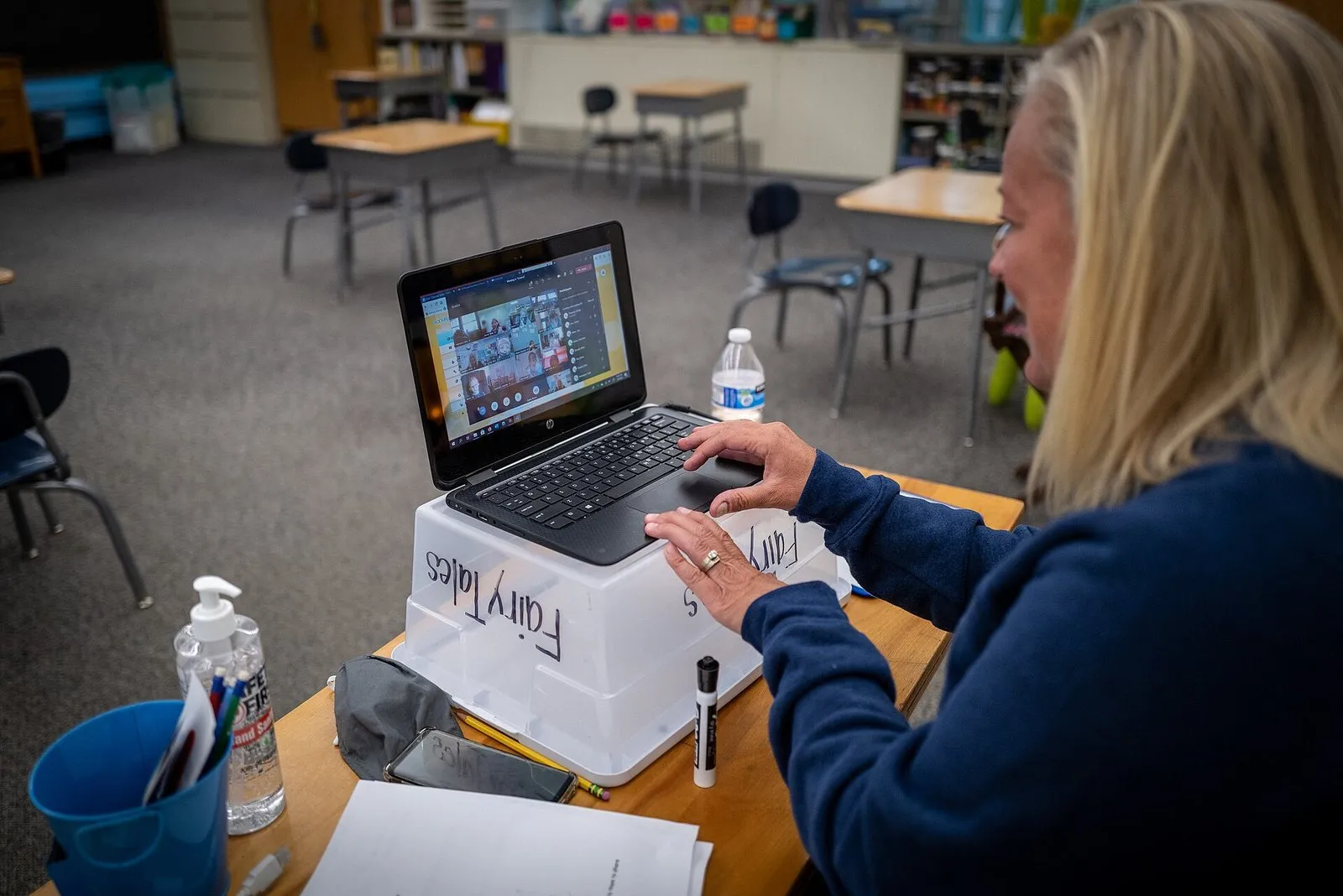
Image: Phil Roeder from Des Moines, IA, USA, CC BY 2.0, Wikimedia Commons.