
Cardboard camera control in Unity Editor
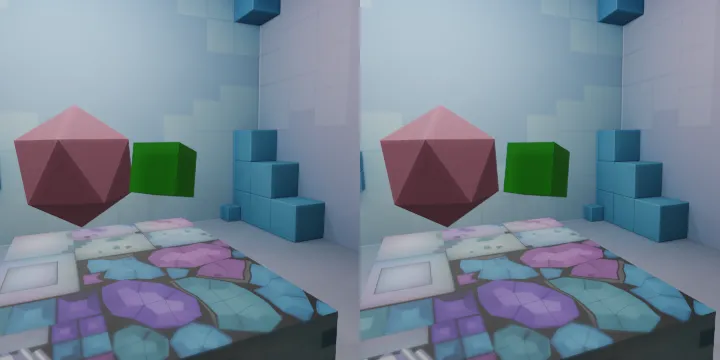
You can follow the steps below to provide VR controls through the editor. Create EditorCardboardCamera.cs file and add the following codes.
using System.Collections;
using System.Collections.Generic;
using UnityEngine;

// editor only Google Carboard VR cam simulation with left alt + mouse
public class EditorCardboardCamera : MonoBehaviour
{
#if UNITY_EDITOR
    Vector2 rotation = Vector2.zero;
    public float speed = 3;

    void Update()
    {
        if (Input.GetKey(KeyCode.LeftAlt))
        {
            rotation.y += Input.GetAxis("Mouse X");
            rotation.x += -Input.GetAxis("Mouse Y");
            transform.eulerAngles = (Vector2)rotation * speed;
        }
    }
#endif
}
You can then drag this file onto the camera. Thus, when you run your project on the editor, you can control the VR environment by holding down the alt key.